

 So you dont want to cut up your phone....( if you do... )
well if your phone came with a car charger or even a desktop charger you could be in luck.
this method is fairly straightforward so ill keep it simple
first take apart the part that connects to the phone
- NOTE: look at the pins! if there are less then three pins get another charger.
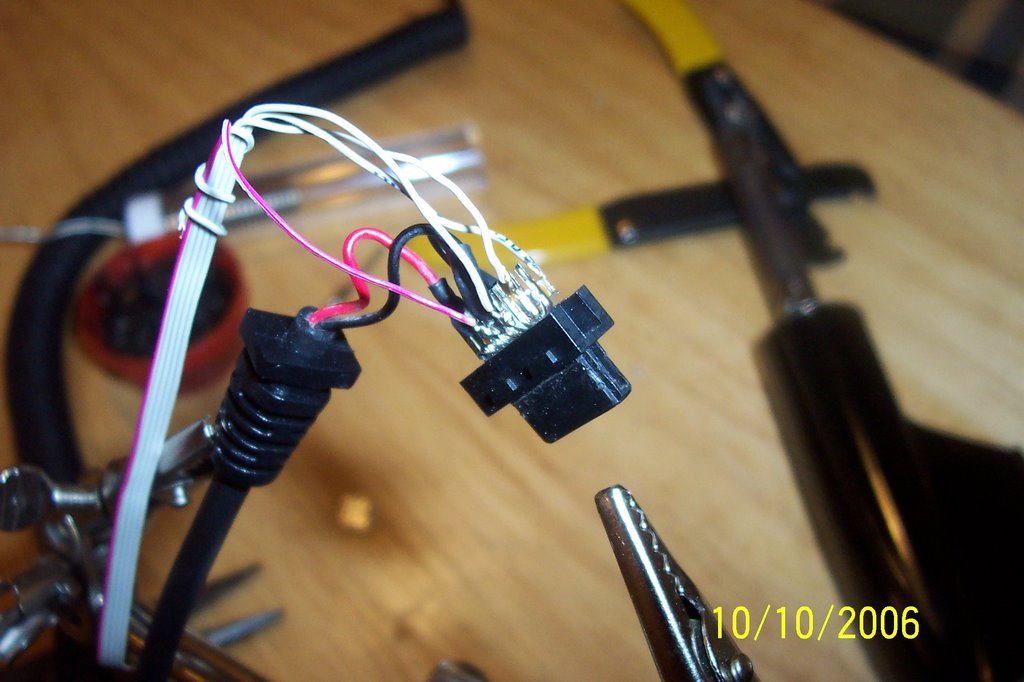
- the charging circuit requires minimum 2 wires connected, dont count the wires, count the pins that the wires are attached to (see picture)
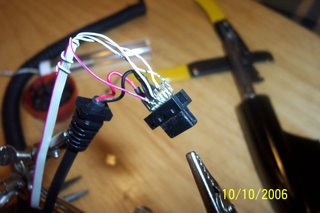
- in this picture you can see the original red and black wires plus the wires i attached
smash everything inside the connector and screw it back together
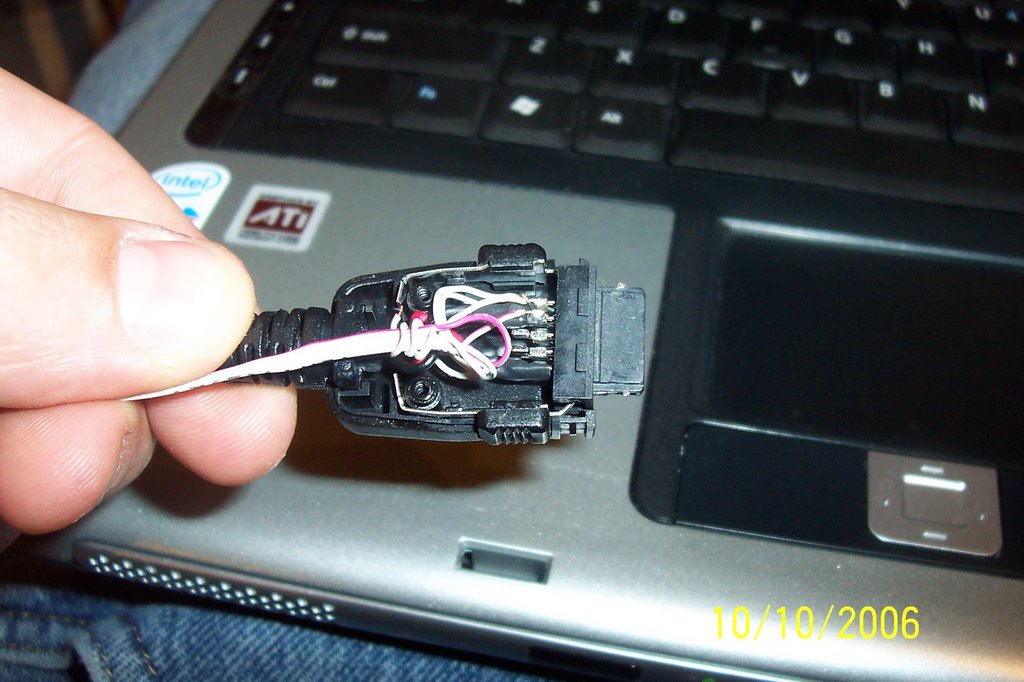
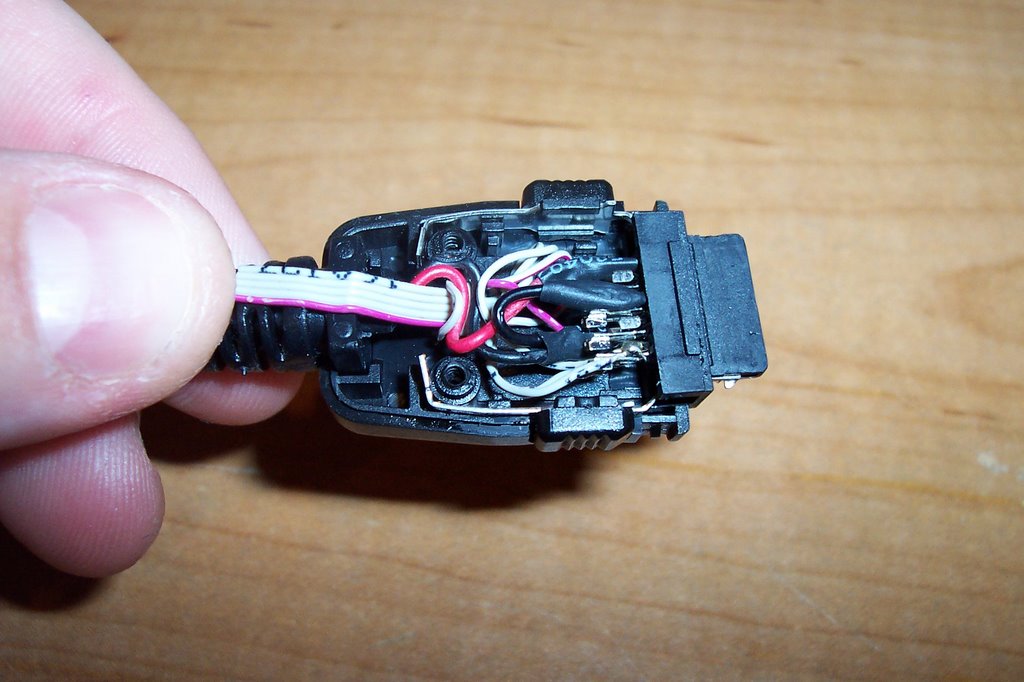
there. you now have a way to connect the phone to your computer via usb without cutting up the phone.
what you can do now is only limited by the phone you use
the bitpim software is very versatile
- create your own ring tones
- copy photos/wallpaper to and from your computer
- backup your address book
- use you phone as a modem
- backup your calendar
- etc


